What Is a Subdomain?
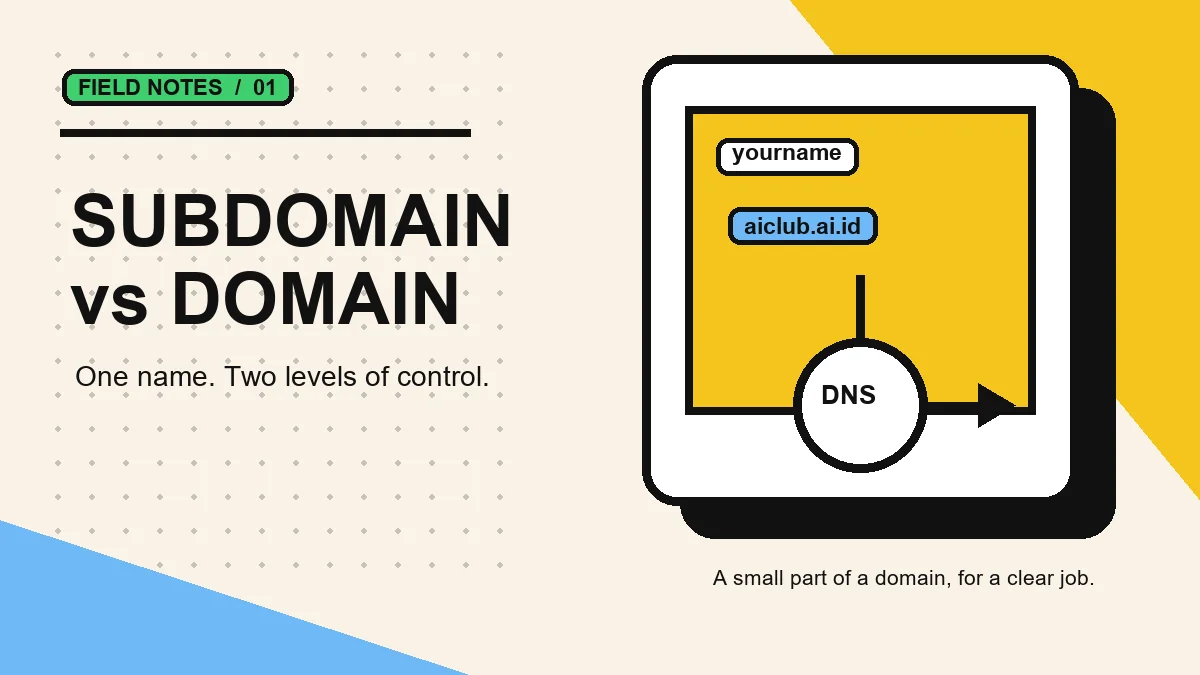
TL;DR. A subdomain is the part before a main domain, such as docs.example.com. It gives one project or service a clear address without buying a separate domain. Use it for a portfolio, app, docs, or hosted website when its DNS target needs to stay separate.
Table of Contents
- How is a subdomain different from a domain?
- When should you use a subdomain?
- How does a subdomain work in DNS?
- Subdomain examples for websites, portfolios, and apps
- How to make a free subdomain for a website
- 1. Choose the destination and a memorable name
- 2. Choose URL Redirect or CNAME for the destination
- 3. Test the address and HTTPS after DNS updates
- Subdomain vs subfolder: when to use each?
- Checklist before sharing a subdomain
- Frequently asked questions
- Continue learning
AICLUB's live catalog goes beyond .ai.id, with .web.id, .cv, .eu.cc, and more base domains in the domain catalog.
A subdomain is a DNS label placed before a registered domain. In blog.example.com, example.com is the domain and blog is the subdomain. The label can route visitors to a different host, application, or server while still keeping the familiar main name. That is why subdomains are common for docs, stores, apps, and portfolios.
How is a subdomain different from a domain?
A domain is the name registered through a registrar, such as example.com. A subdomain is configured under that name by the domain owner. Registration, price, and ownership therefore belong to the domain; DNS routing and organization are the usual reasons to add a subdomain.
| Comparison | Domain | Subdomain |
|---|---|---|
| Example | example.com | docs.example.com |
| Registration | 1 registrar record | 0 extra registrations |
| DNS target | 1 primary zone | 1 or more records |
| Typical use | Brand or main site | App, docs, portfolio |
When should you use a subdomain?
Use a subdomain when the destination needs a distinct technical boundary or a clear visitor purpose. It is not mandatory for every page. A normal page path, such as example.com/pricing, is often simpler when the content belongs to the same site and deployment.
- A portfolio on a separate hosting platform.
- Documentation maintained by another deployment.
- An app, API, or status page with its own routing.
- A simple HTTPS redirect for a short public link.
How does a subdomain work in DNS?
DNS resolves the requested name by looking up records in the domain zone. A CNAME sends the subdomain to another compatible hostname; an A record maps it to an IPv4 address. The record type must match the target supplied by your host. Cloudflare explains these record types in its official DNS documentation.
Read Cloudflare’s DNS record reference.
Subdomain examples for websites, portfolios, and apps
Common subdomain examples are blog.example.com, docs.example.com, and app.example.com. The label before the main domain explains the destination. A portfolio can use one subdomain, documentation another, and an app can keep its own address without buying a new domain for every service.
How to make a free subdomain for a website
1. Choose the destination and a memorable name
Before creating a subdomain, decide where it should lead: a portfolio, blog, store, documentation, or redirect link. Choose a short label that describes the content, such as portfolio, docs, or a project name. Avoid labels that could be mistaken for an official service run by someone else.
2. Choose URL Redirect or CNAME for the destination
Use URL Redirect when the destination already exists, such as a portfolio profile or shop page. Use CNAME when a host requests a specific hostname for a custom domain. Copy the CNAME value from the hosting panel; do not guess it because each platform can provide a different verification target.
3. Test the address and HTTPS after DNS updates
After saving the configuration, test the address in an incognito window to separate the browser session. DNS resolver caches may still take time to update. With CNAME, wait for hosting verification to finish before changing the record again. Once it is live, ensure the destination uses HTTPS and does not lead to a login page, error, or content different from what visitors expect.
Subdomain vs subfolder: when to use each?
The subdomain vs subfolder choice is not about one structure automatically being better for SEO. Choose a subfolder such as example.com/blog when content remains part of one site and deployment. Choose a subdomain when the app, documentation, audience, or hosting configuration genuinely needs separation. Consistent structure and useful content matter more than forcing a particular URL structure.
Checklist before sharing a subdomain
Before placing an address in a bio, CV, or business card, check four things: the name is easy to read, the destination opens without special permission, HTTPS is active, and the page matches its label. For a redirect, open the final destination from another device. For CNAME, compare the hostname in AICLUB with the hostname requested by the host. Keep a short note of the purpose and change date so the link remains clear as the project grows.
A useful subdomain does not need to be complicated. One stable address for one purpose is easier to maintain than many addresses that are never updated. When the main site and blog use the same deployment, consider a subfolder first. When the destination is genuinely different, a subdomain creates clear separation for visitors and maintainers.
Frequently asked questions
Is a subdomain a separate domain?
A subdomain is a domain name beneath a parent domain. Its DNS settings can be managed by the parent-domain owner or delegated to another party.
Do I need a subdomain for every page?
No. Use a path for regular pages. Use a subdomain when an app, service, or host needs a separate address.
Can it point to another host?
Yes. A CNAME can point to a compatible host name, while an A record points to an IPv4 address.
Can I use a free subdomain for a portfolio?
Yes, if the portfolio is public and the destination is configured correctly. Use URL Redirect for an existing public portfolio or CNAME when the hosting provider asks for a custom-domain hostname.
Continue learning
Want to use a subdomain?
Claim a free, no ads address for a legitimate project.